A Beginner Guide to the NetLogo Interface and Basic Programming
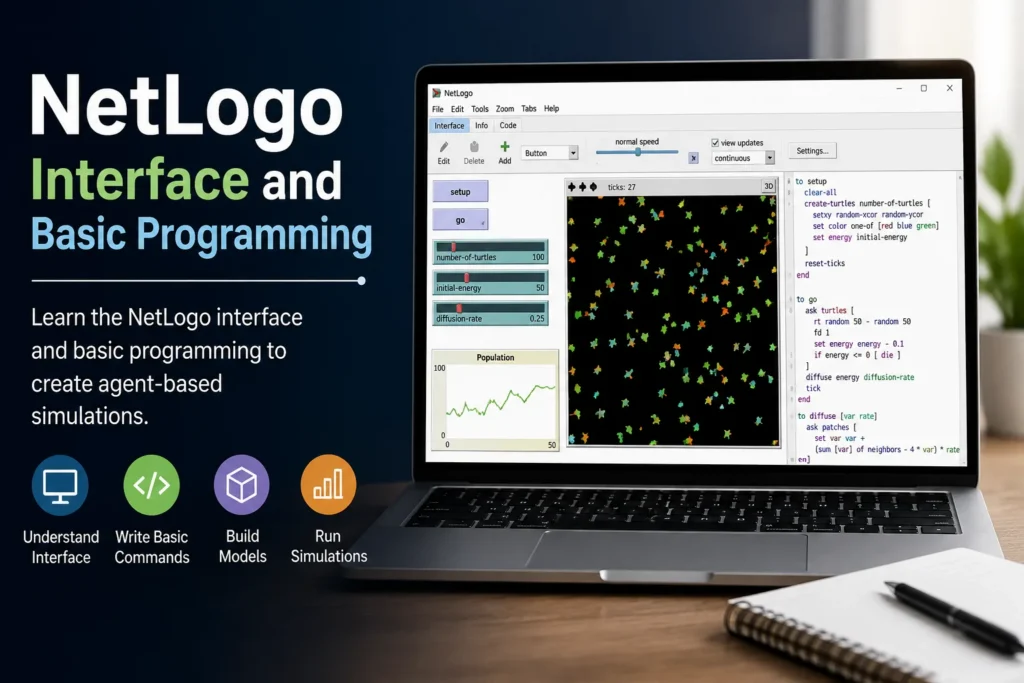
If you’re interested in learning simulation and computational modeling, NetLogo is one of the best platforms to start with. Its user-friendly interface and straightforward programming language make it accessible even for those with little or no coding experience. Whether you’re a student, educator, or researcher, this NetLogo tutorial for beginners will help you understand the NetLogo interface, learn the basics of programming, and take your first steps toward building simulations. If you’re wondering how to use NetLogo software, this guide covers the essential features you need to get started.
What Is NetLogo?
NetLogo is a free, open-source platform designed for creating agent-based models. It enables users to simulate the behavior of individual agents and observe how their interactions produce larger system-wide patterns. Because of its simplicity and versatility, NetLogo is widely used in education, research, and scientific studies.
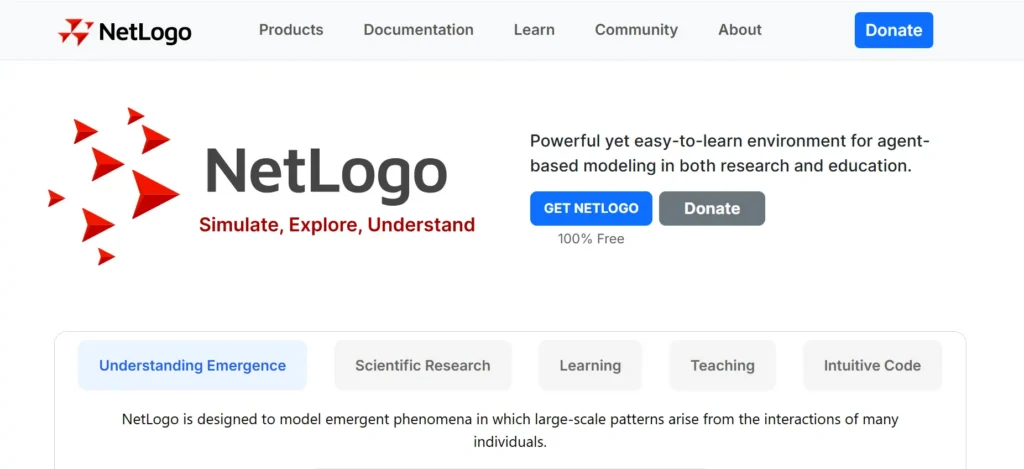
For those exploring agent-based modeling for beginners, NetLogo offers an ideal learning environment. It combines a visual interface with an easy-to-read programming language, allowing users to build interactive models without requiring extensive programming knowledge.This is the Website link for Netlogo: https://www.netlogo.org/
Installing NetLogo
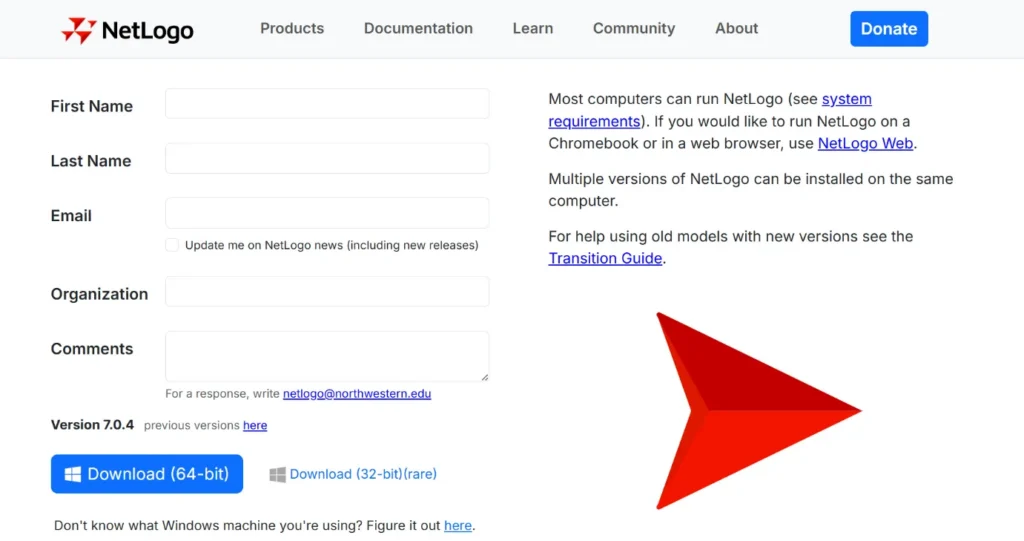
Getting started with NetLogo is quick and straightforward. Visit the official NetLogo website, download the version compatible with your operating system, and complete the installation process. NetLogo supports Windows, macOS, and Linux, making it accessible across multiple platforms. Once installed, launch the application to explore its built-in models and programming environment.
Read Also : Monte Carlo Simulation in NetLogo: A Clinical Trial Case Study
Understanding the NetLogo Interface
One of the reasons beginners enjoy learning NetLogo is its clean and organized interface. The application is divided into three primary tabs, each serving a different purpose.
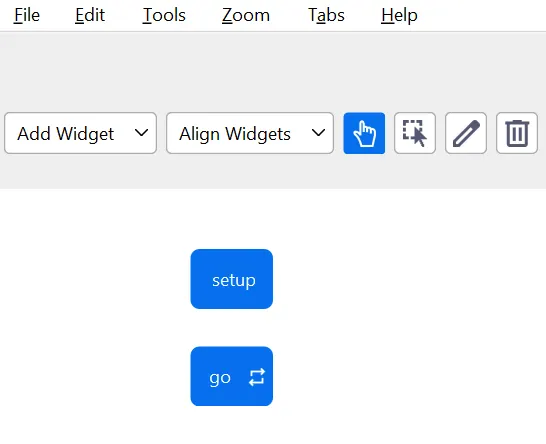
Interface Tab
The Interface tab is where users interact with simulations. It displays the simulation world and contains controls such as buttons, sliders, switches, monitors, plots, and input boxes.

Here, you can:
- Start and stop simulations
- Adjust parameters using sliders
- Monitor simulation outputs
- Visualize agent behavior in real time
- Display charts and graphs during execution
The Interface tab allows users to experiment with different settings without modifying the program code.
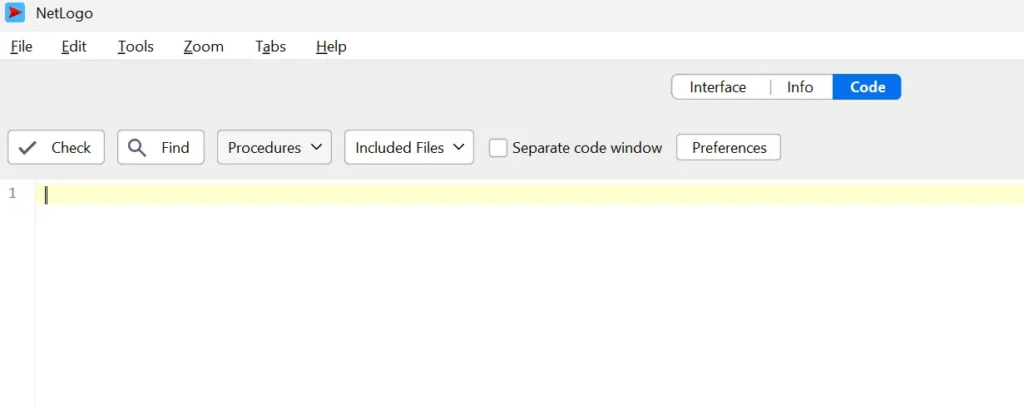
Code Tab
The Code tab contains the NetLogo programming language used to define how agents behave and how the simulation operates.This is where you’ll write procedures that create agents, control their movement, define interactions, and manage the simulation environment. Although programming may seem intimidating at first, NetLogo uses a simple syntax that is easy for beginners to understand.
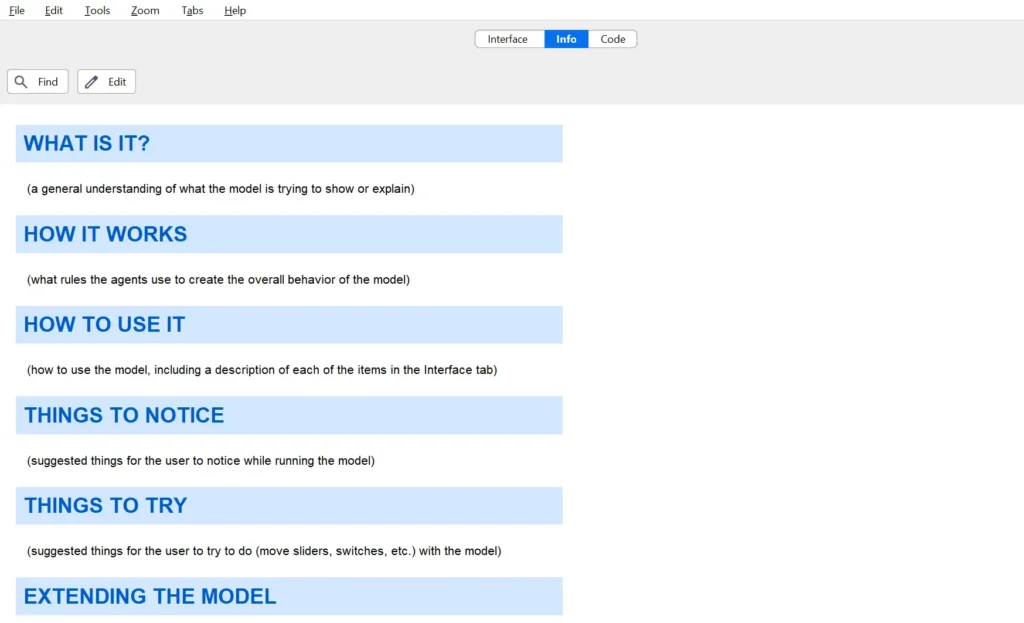
Info Tab
The Info tab provides documentation for each model. It typically explains the model’s purpose, assumptions, instructions for running the simulation, and suggestions for further exploration. Reading the Info tab is an excellent way to understand how existing models work before creating your own.
Understanding the Core Components
Every NetLogo model is built around four main components.
Observer
The Observer controls the overall simulation. It creates agents, initializes the environment, and executes global commands that affect the entire model.
Turtles
Turtles are the moving agents in NetLogo. Depending on the model, turtles can represent people, animals, vehicles, robots, or other independent entities. Each turtle follows rules that determine how it behaves within the simulation.
Patches
Patches are stationary cells that make up the simulation world. Each patch can store information such as color, terrain type, temperature, or available resources.
Links
Links connect turtles and represent relationships or interactions between them. They are commonly used to model communication networks, transportation systems, or social connections.Understanding these four components is essential for anyone learning how to use NetLogo software.
Writing Your First NetLogo Program
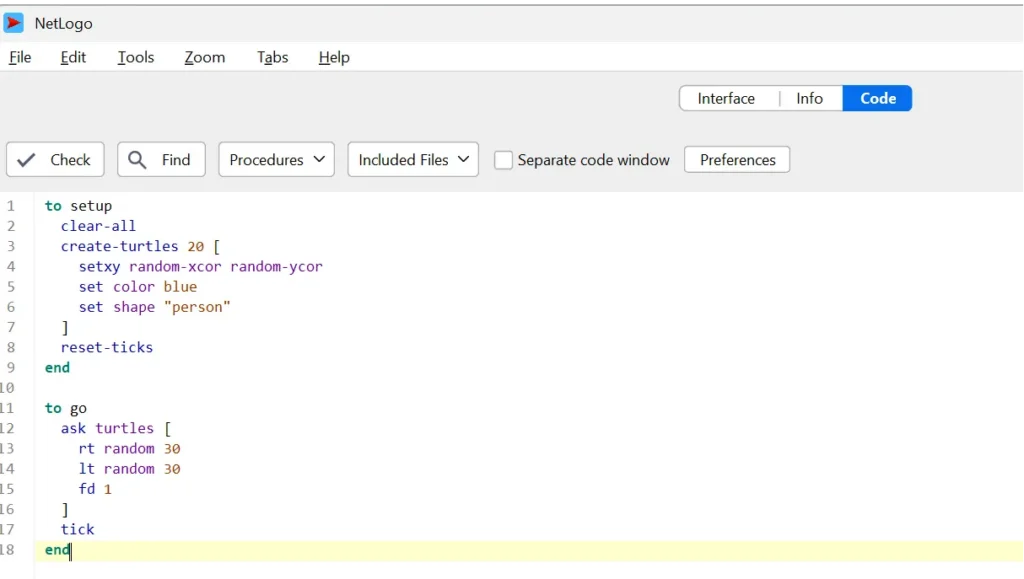
Programming in NetLogo begins by creating procedures using the to keyword. Most beginner models contain two primary procedures:
- setup initializes the simulation by creating the environment and agents.
- go runs the simulation repeatedly, updating agent behavior over time.
Within these procedures, you can instruct turtles to move, change direction, interact with their surroundings, or modify their properties. As you become more familiar with the language, you can add conditions, loops, variables, and custom procedures to create more sophisticated models.
Common NetLogo Commands for Beginners
When learning NetLogo, a few commands appear frequently:
- clear-all resets the simulation.
- create-turtles creates new agents.
- ask tells agents or patches to perform actions.
- forward moves turtles ahead.
- right and left rotate turtles.
- set changes the value of a variable.
- tick advances the simulation clock.
These commands form the foundation of most NetLogo programs and are a great starting point for beginners.
Learning Through Built-In Models
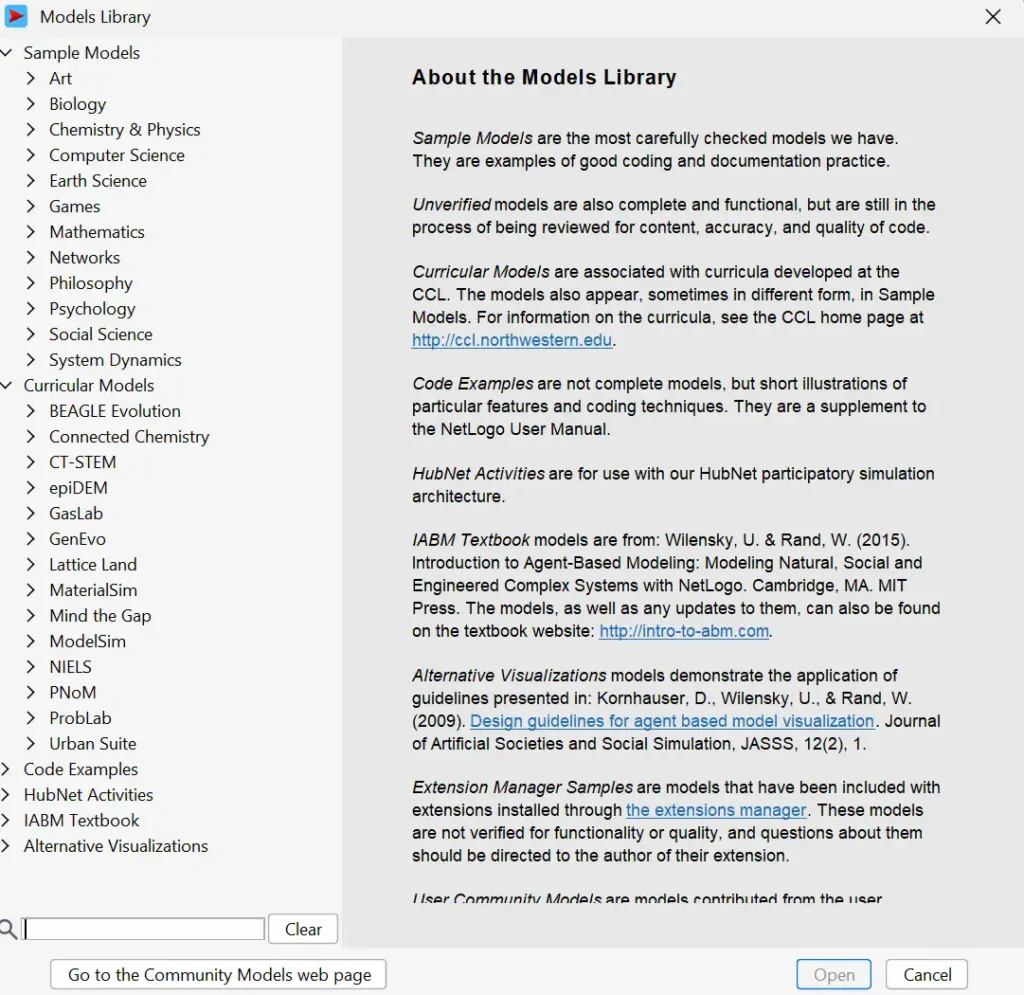
One of the best ways to improve your skills is by exploring the extensive collection of NetLogo simulation examples included with the software. These models cover topics such as ecosystems, traffic flow, economics, animal behavior, disease transmission, and social systems.Instead of building a model from scratch, beginners can run existing simulations, inspect the code, adjust parameters, and observe how small changes affect the overall behavior. This hands-on approach makes learning both engaging and effective.
Tips for Beginners
As you begin your NetLogo Journey, keep these suggestions in mind:
- Start with simple models before attempting complex simulations.
- Explore built-in examples to understand programming techniques.
- Read the comments included in sample code.
- Modify one parameter at a time to observe its effect.
- Practice regularly to build confidence with NetLogo commands.
What’s Next?
Now that you have a basic understanding of NetLogo and agent-based modeling, it’s time to put that knowledge into practice. Start by downloading and installing NetLogo, then explore its interface and built-in Models Library to see how simulations are designed and executed. As you become familiar with the software, learn the fundamental programming concepts, including procedures, variables, turtles, patches, and common NetLogo commands. Experimenting with simple models and gradually modifying their behavior will help you build confidence and strengthen your programming skills. In the next guide, we’ll take a closer look at the NetLogo interface and introduce the basic programming techniques you need to create your first agent-based simulation.
Book a free consultation for appointment
Email us at : grow@simbi.in